 UI Framework for Unity
A complete mobile game UI, included
The repository's host project is a small mobile-game shell built only from framework features: an intro, four tabs under a shared TopBar and NavBar, and three popups. Clone it, press Play, and read the code.

showcase-intro.png
showcase-home.png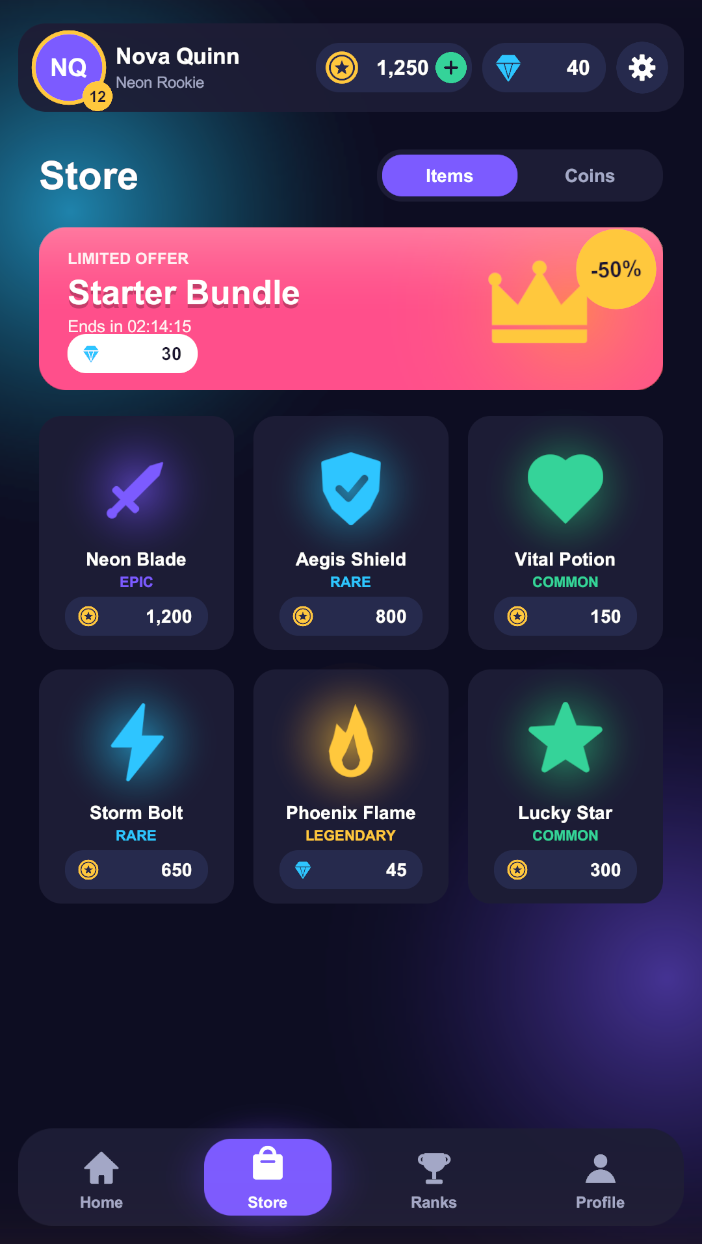
showcase-store.png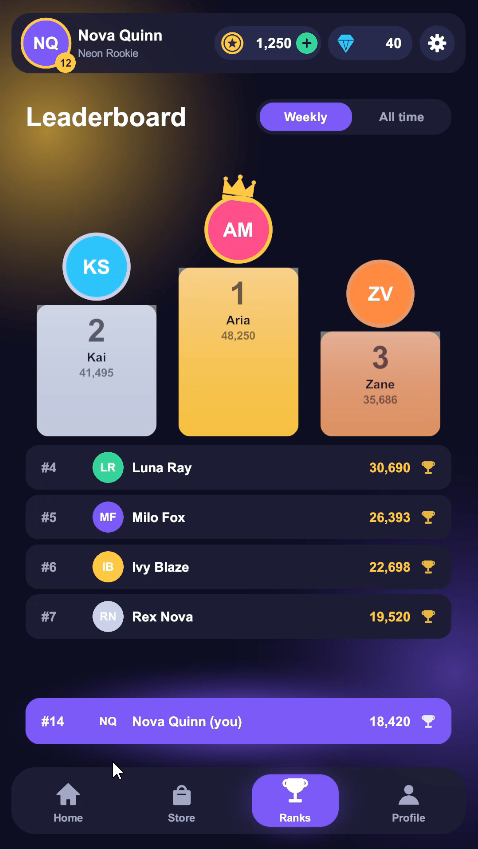
showcase-leaderboard.png
showcase-profile.png
showcase-reward.png
showcase-purchase.png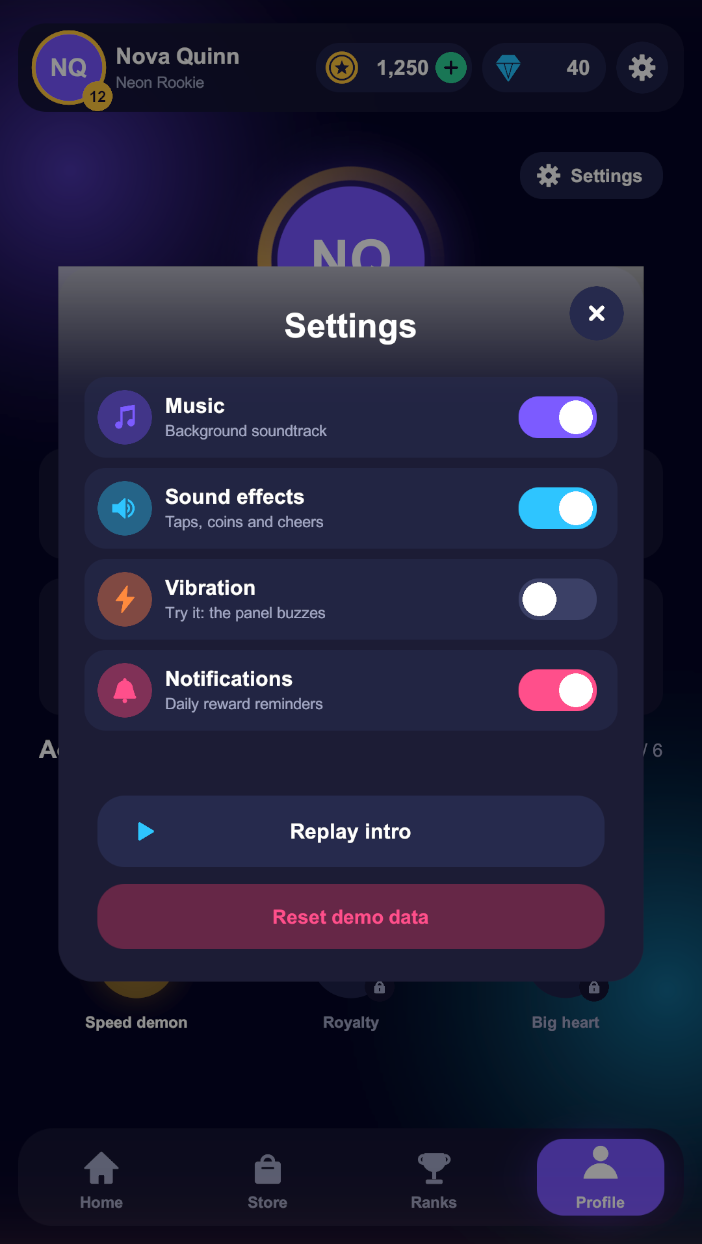
showcase-settings.pngRun it
- Clone dawaniyah-games/UiFramework and open it in Unity 6.
- Open
Assets/Scenes/Bootstrapper.unity, set the Game view to portrait 1080 × 1920, and press Play. - Open , change a screen's animation, and play again.
States in the app
| State | Element scenes | How it is shown |
|---|---|---|
IntroUiState | IntroUiElement | First, by the bootstrapper. Its loading ends by entering Home |
MainMenuUiState, StoreUiState, LeaderboardUiState, ProfileUiState | screen + TopBarUiElement + NavBarUiElement | Non-additive; the bars are shared and never re-animate |
SettingsUiState, RewardUiState, ConfirmPurchaseUiState | one popup scene each | Additive over the current tab, closed with HideUI |
Patterns worth copying
One navigator
ShowcaseNavigator is the only caller of ShowState / HideUI. It queues calls so they never overlap, keeps only the last tab tapped, and allows one popup at a time.
Context everywhere
Tab states get a TabUiParams; the shared NavBar reads the tab from the same object, so it is right however the tab was reached.
Shared re-population
The TopBar wires itself once and refreshes on every Populate. When the Store is already on screen, a second Populate switches its page in place.
Popups that look right
The popup's Fade preset fades the dimmed backdrop; only the panel moves, through a RevealOnShow, so the backdrop never slides.
Inspector choreography
RevealOnShow, StaggeredReveal, FillBar and CountUpText play when the element shows; LoopMotion, ShimmerSweep, ConfettiBurst and CoinFlyLayer add life.
One camera, one EventSystem
The bootstrapper keeps them in a DontDestroyOnLoad root, and UiCanvasCamera assigns the camera to every Screen Space – Camera canvas as its scene loads.